Yape and Plin
Keep track of your Yape and Plin payments in one budget
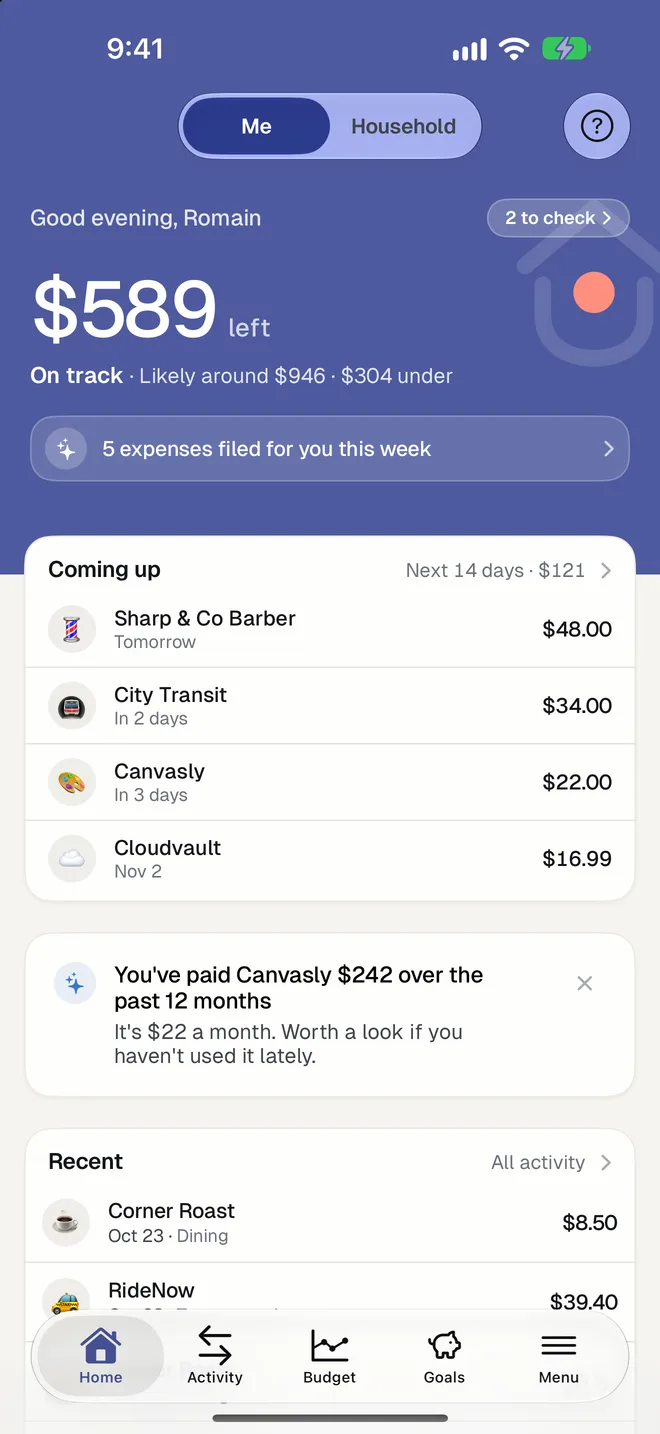
In Peru, most small payments go through Yape or Plin, and they never show up in a budget. With HomePocket, the screenshot of a payment is enough: it reads who you paid, how much and when.

Free for your first month. Cancel anytime.
- 1
From screenshot to expense
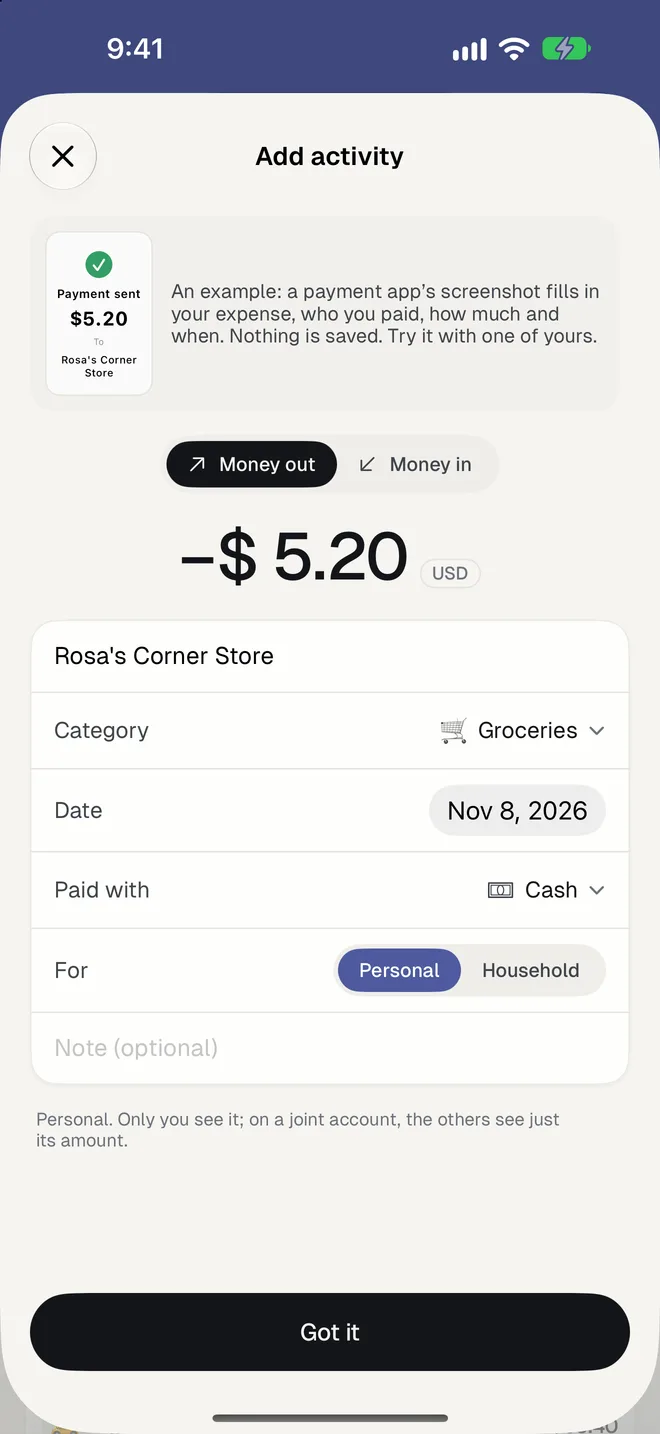
Take a screenshot of the "payment sent" screen, open HomePocket and pick it. The amount in soles, the person or shop, the date and a category are filled in for you to check.
- 2
Money received counts too
A Yape you receive is read as money in. A payment to a person is named after that person, so you know later what it was.
- 3
Your budget in soles
Everything counts in your own currency, with a budget in three limits and a forecast for the month. A purchase in dollars is converted at that day's rate.
Good to know
- Works the same with screenshots from Yape, Plin and your bank's app.
- Company forms like S.A.C. are removed from shop names, so your list stays readable.
- A receipt photo or a bank statement works too, and so does typing an expense.
- Your first 5 transactions need no plan; then the first month is free in the app stores.
- Bank connections aren't available in Peru: HomePocket is built to work without them.
Questions
Does HomePocket connect to Yape directly?
No. Yape and Plin don't let budgeting apps read your movements, so HomePocket reads the screenshot you choose to share. Nothing is read without your action.
What if the screenshot can't be read?
You type the expense instead, and you can choose to send us the picture so we can improve reading. Nothing is sent without that tap.
Can I share a budget with my partner or family?
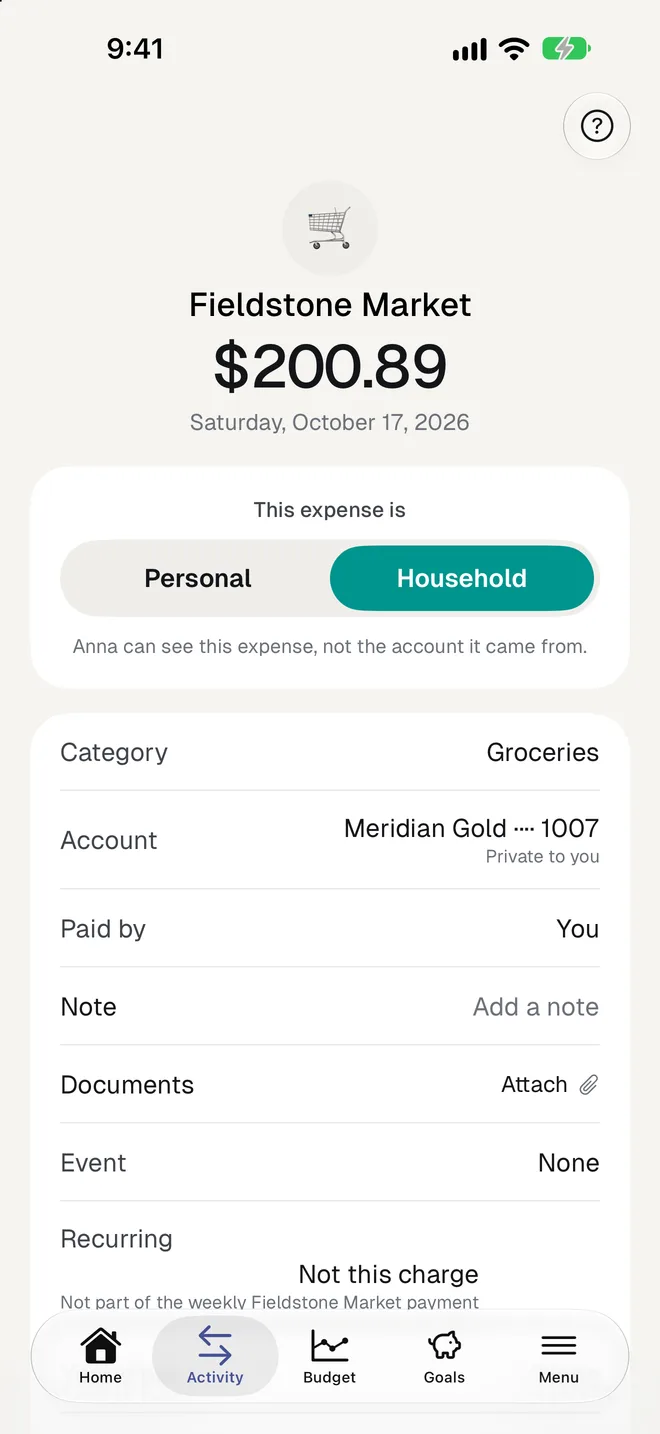
Yes. Each person has a private side, and the household has a shared side with its own budget, for up to 3 people.
More of HomePocket
Give your home's money a place
Start free, see your month in minutes, and invite the people you share it with whenever you're ready.
Free for your first month. Cancel anytime.