Nequi
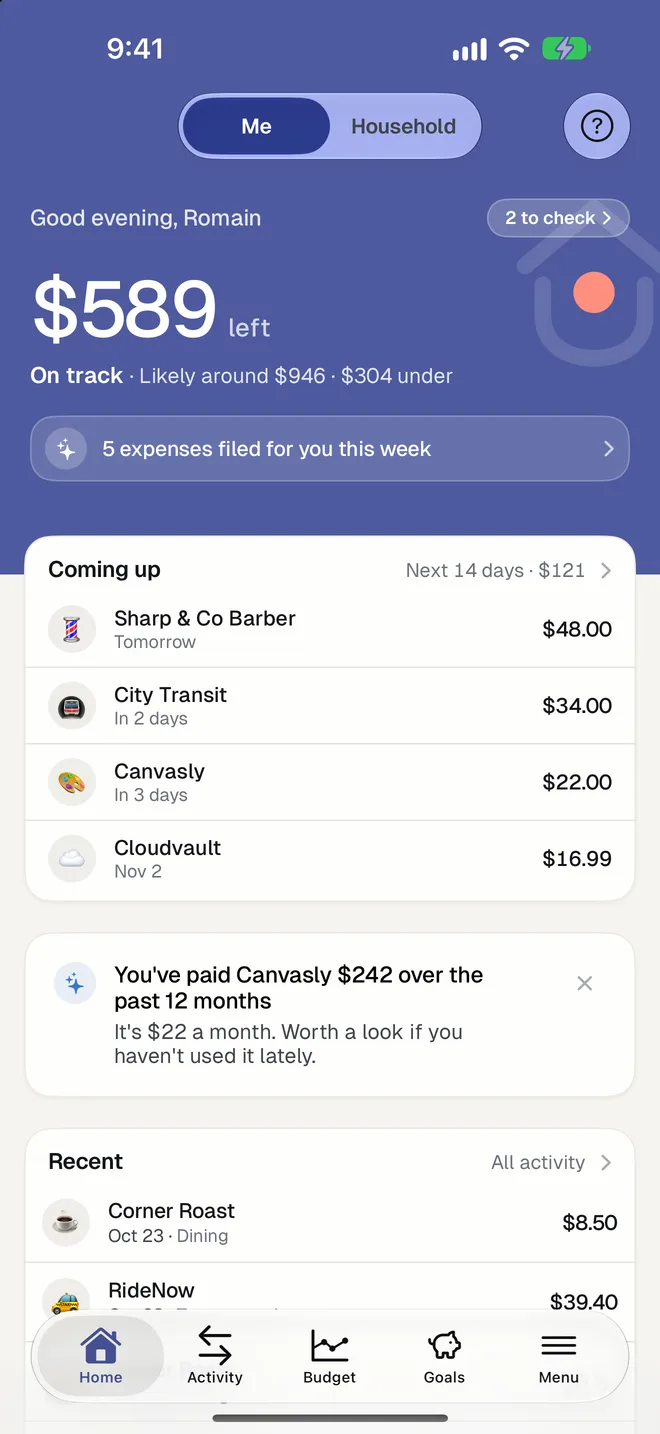
Your Nequi payments, organized in one budget
Nequi is how many people in Colombia pay every day, and those payments rarely end up in a budget. HomePocket reads the screenshot of a Nequi payment and turns it into an expense.
Free for your first month. Cancel anytime.
- 1
From screenshot to expense
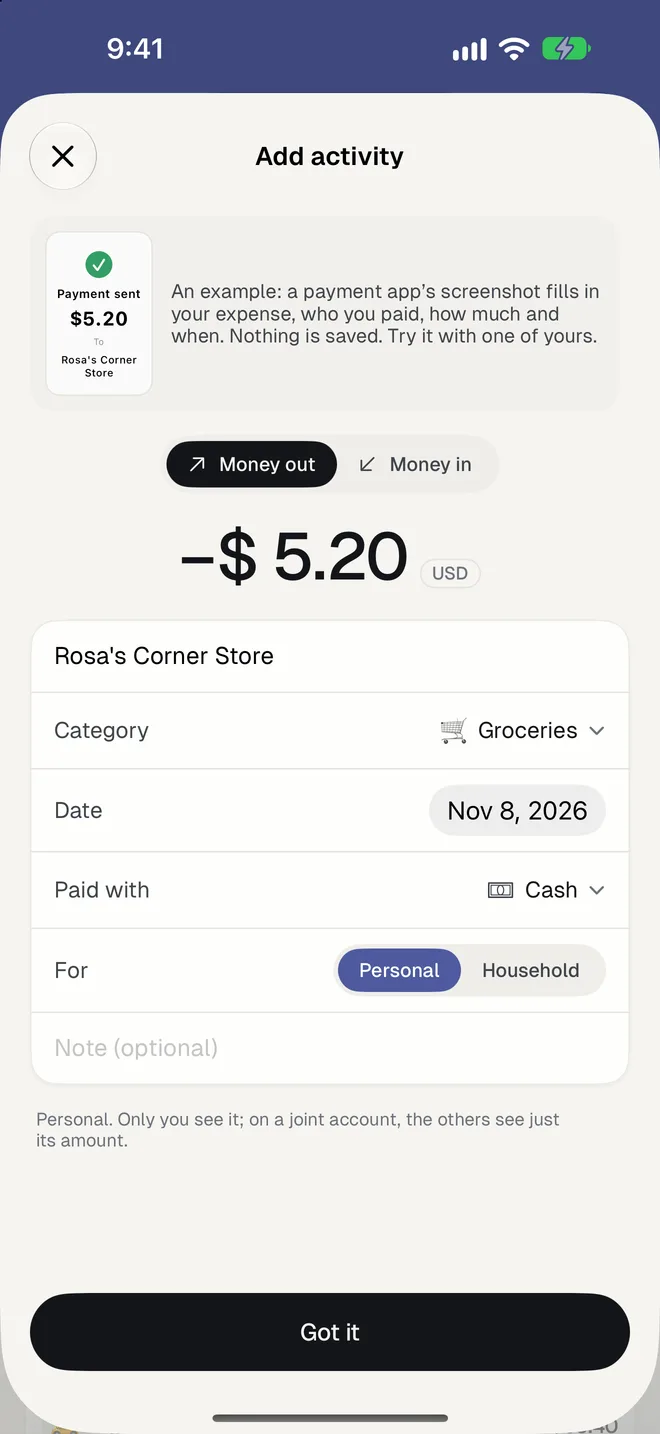
Take a screenshot of the payment in Nequi and share it with HomePocket. The amount in pesos, the person or shop, the date and a category are filled in for you to check.
- 2
Money in and money out
A payment you receive counts as money in; one you send counts as spending, named after the person or the shop.
- 3
A budget that fits Colombia
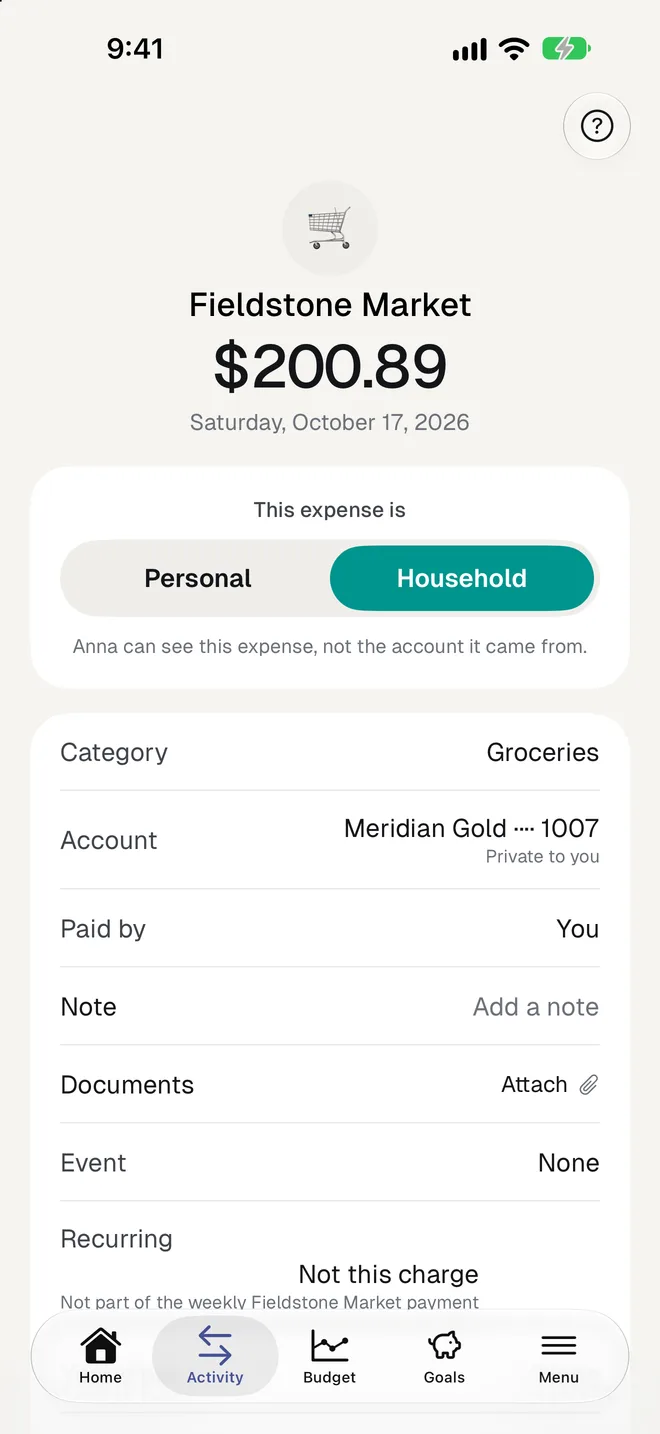
Everything counts in Colombian pesos, with a budget in three limits, recurring payments found for you, and goals.
Good to know
- Works with screenshots from Nequi and from your bank's app.
- A receipt photo, a statement, or typing an expense work too.
- A purchase in dollars is converted at that day's rate.
- Your first 5 transactions need no plan; then the first month is free in the app stores.
- Bank connections aren't available in Colombia: HomePocket is built to work without them.
Questions
Does HomePocket read my Nequi account?
No. Nequi doesn't let budgeting apps read your movements. HomePocket reads only the screenshots you choose to share.
Is it in Spanish?
Yes, in neutral Latin American Spanish, as well as English, Portuguese and French.
Can I share it with my family?
Yes. Each person keeps a private side, and the household shares a side with its own budget, for up to 3 people.
More of HomePocket
Give your home's money a place
Start free, see your month in minutes, and invite the people you share it with whenever you're ready.
Free for your first month. Cancel anytime.