Smart Import
Scan a receipt or a payment screenshot. The expense fills itself in.
No bank connection? No problem. A photo, a screenshot from your payment app, or a statement is enough to keep your budget up to date.

Free for your first month. Cancel anytime.
- 1
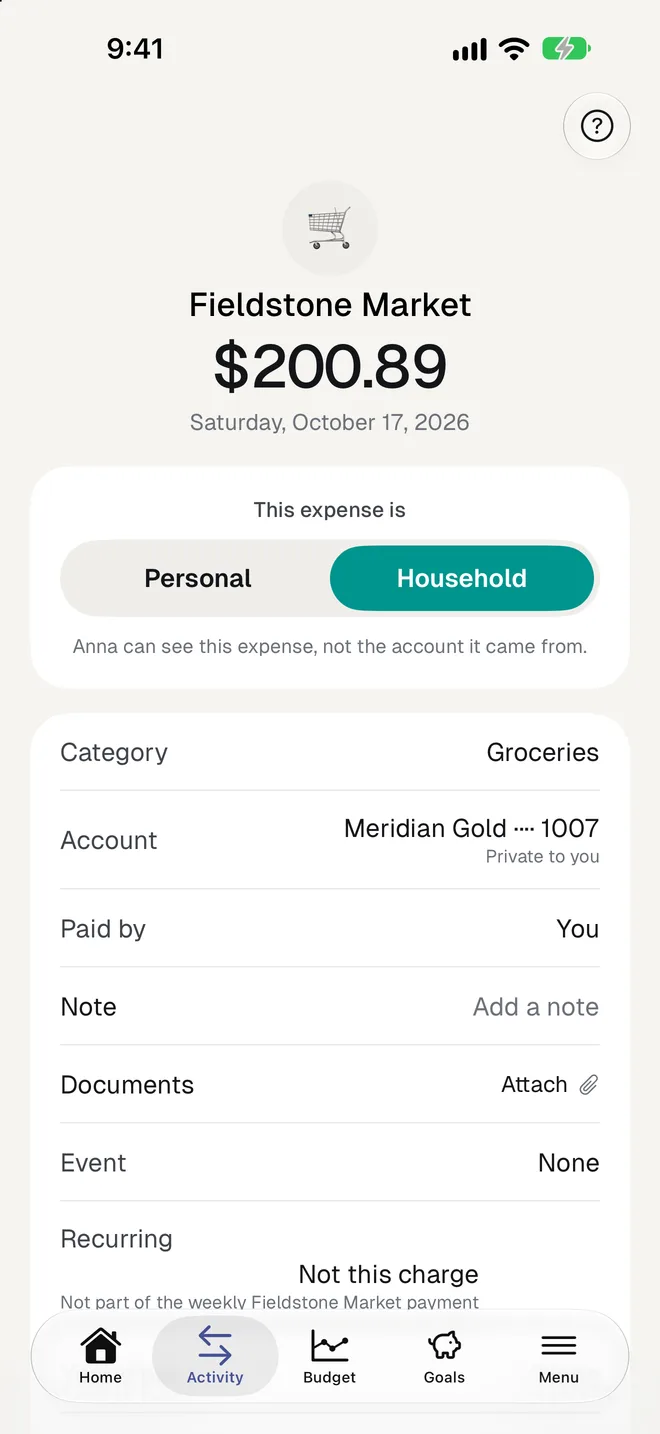
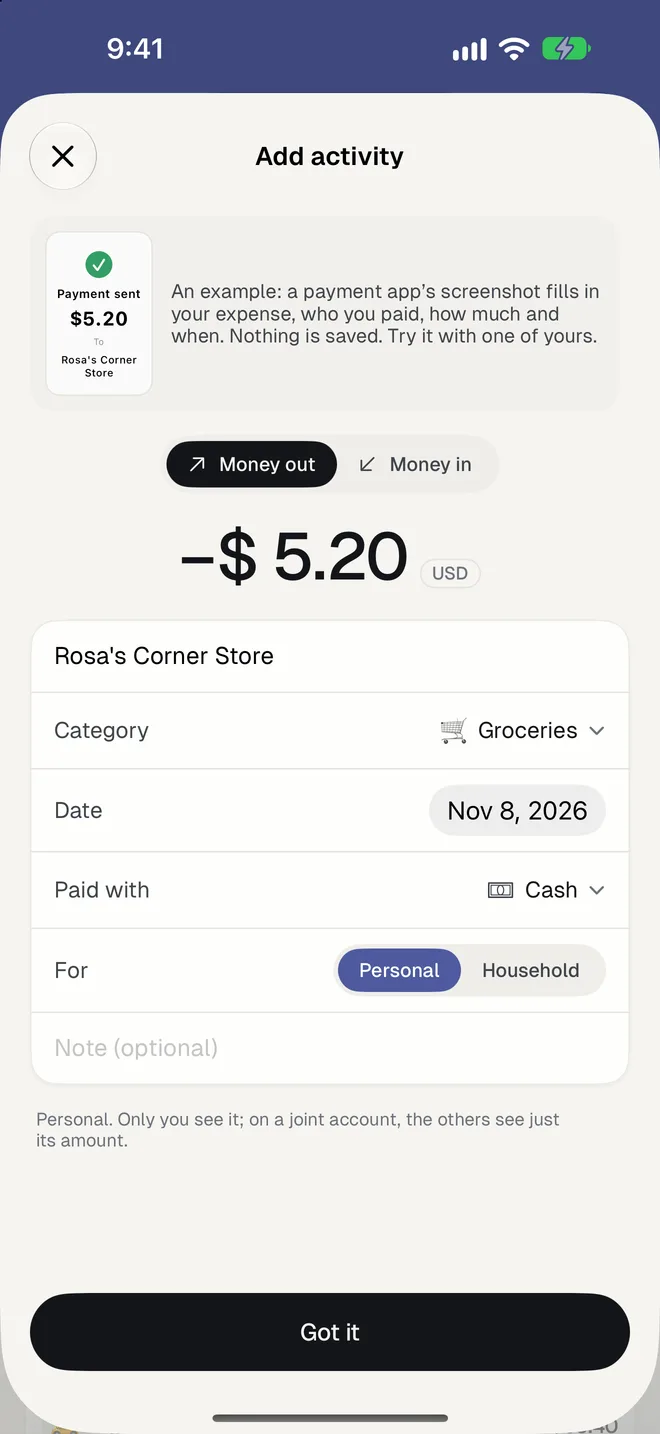
Receipts and payment screenshots
The printed amount, currency, shop and date are read the way they were printed, day first or month first. A payment to a person is named after that person.
- 2
A whole statement at once
Import a PDF or a screenshot of your bank's movements. Each line gets a category, lines you already have are unticked, and the printed balances are checked against the list.
- 3
No duplicates
Before saving, HomePocket warns you if the same purchase is already there: the same image, or the same shop and amount within a few days.
Good to know
- Works in English, Spanish, Portuguese and French, in your own currency.
- The photo stays with the expense, so the receipt is there when you need it.
- A photo of the thing you bought, when there's no receipt, names the expense; you type the amount.
- Account and reference numbers are removed from a statement's text before it's read.
- You always check before anything is saved. The app never decides Me or Household for you.
Questions
Does it work with Pix, Yape, Nequi or Zelle screenshots?
Yes. A screenshot of a sent or received payment from a payment or bank app is read like a receipt: amount, who it was to or from, and the date.
Which file types can I import?
Photos and screenshots, and PDF statements. A PDF's text is read on your device first; only what's needed is sent to be understood.
Is it free to try?
Yes. Without a bank connection, your first 5 transactions need no plan, and you can try built-in examples without saving anything.
More of HomePocket
- How to make a household budgetRead the guide
- For couplesYours, mine and ours, without a spreadsheet.
- For roommates and familiesUp to three people, one shared budget.
- Monthly budgetThree limits and an honest forecast.
- Recurring paymentsSubscriptions and bills, found for you.
- Goals and yearly potsSave for it, and plan the big costs.
Give your home's money a place
Start free, see your month in minutes, and invite the people you share it with whenever you're ready.
Free for your first month. Cancel anytime.