Pix
Every Pix you send, in your budget
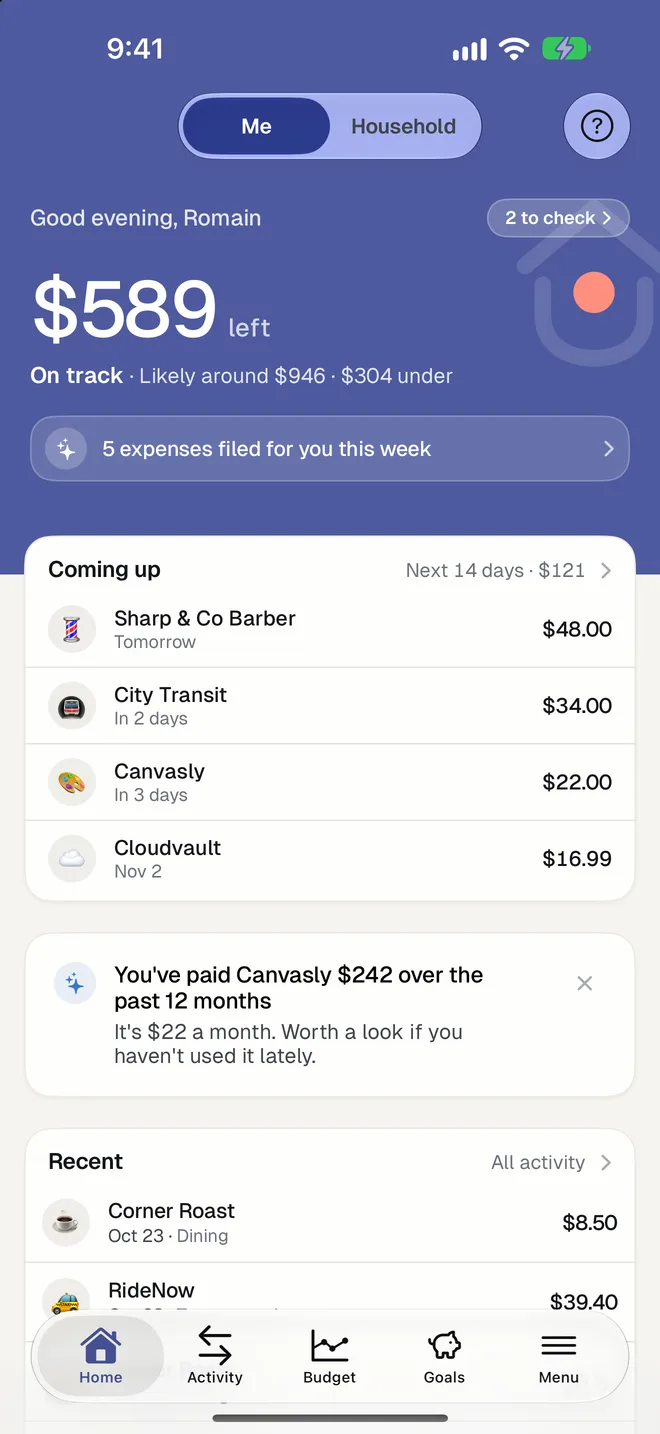
Pix made paying instant, and keeping track harder. HomePocket reads the receipt of a Pix: who you paid, how much and when, and files it in a category.

Free for your first month. Cancel anytime.
- 1
From Pix receipt to expense
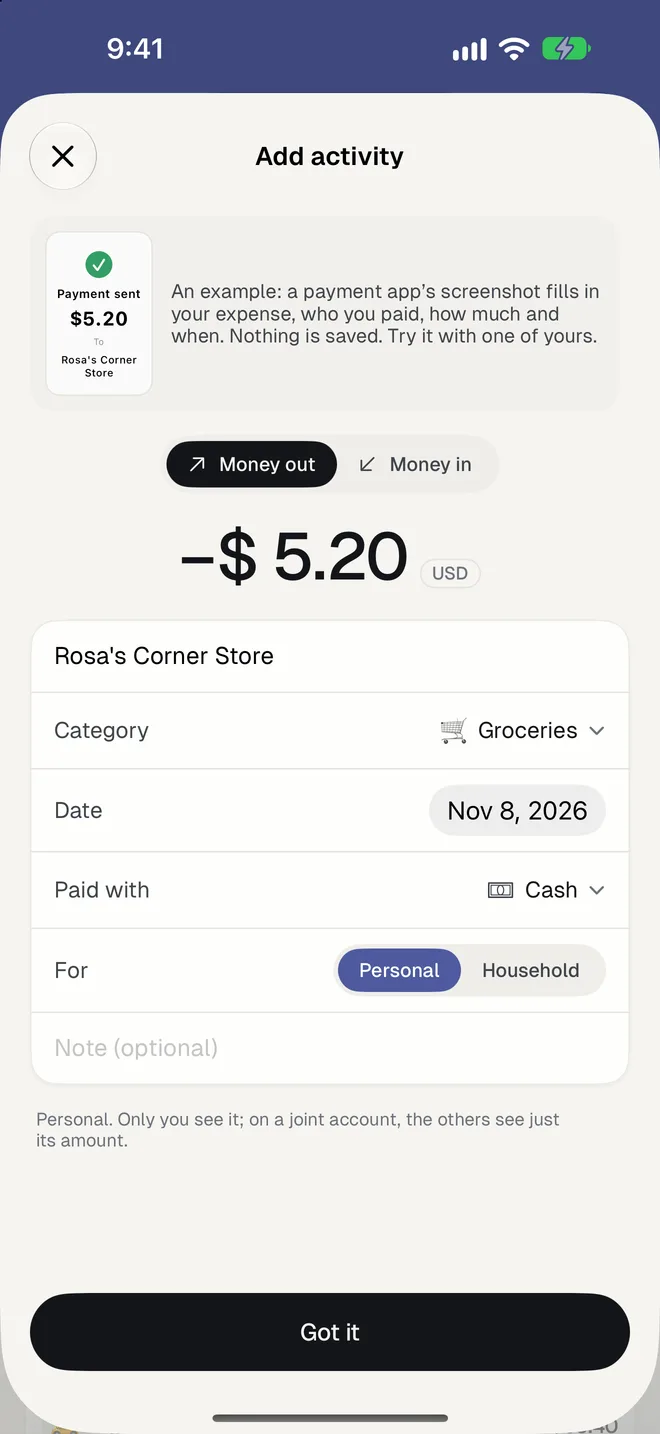
Share the receipt screenshot from your bank's app with HomePocket. The amount in reais, the person or company, the date and a category are filled in for you to check.
- 2
Pix received counts too
A Pix you receive is read as money in. A payment to a person keeps that person's name, and forms like LTDA are removed from company names.
- 3
A budget that tells you where the month is going
Three limits (Committed, Essentials, Flexible) and a forecast that says whether you'll end the month over or under.
Good to know
- Works with the Pix receipt from any bank's app, and with card receipts and statements.
- A bank statement in PDF becomes a list of expenses you tick, with the balances checked.
- Everything counts in reais; a purchase in dollars is converted at that day's rate.
- Your first 5 transactions need no plan; then the first month is free in the app stores.
- Bank connections aren't available in Brazil: HomePocket is built to work without them.
Questions
Does HomePocket connect to my bank in Brazil?
No. HomePocket reads the receipts and statements you choose to share, so it works with every bank without asking for your password.
Can it read a statement with many Pix at once?
Yes. Import a PDF or a screenshot of your movements: each line gets a category, lines already added are unticked, and the printed balances are checked against the list.
Can I share the budget with my partner?
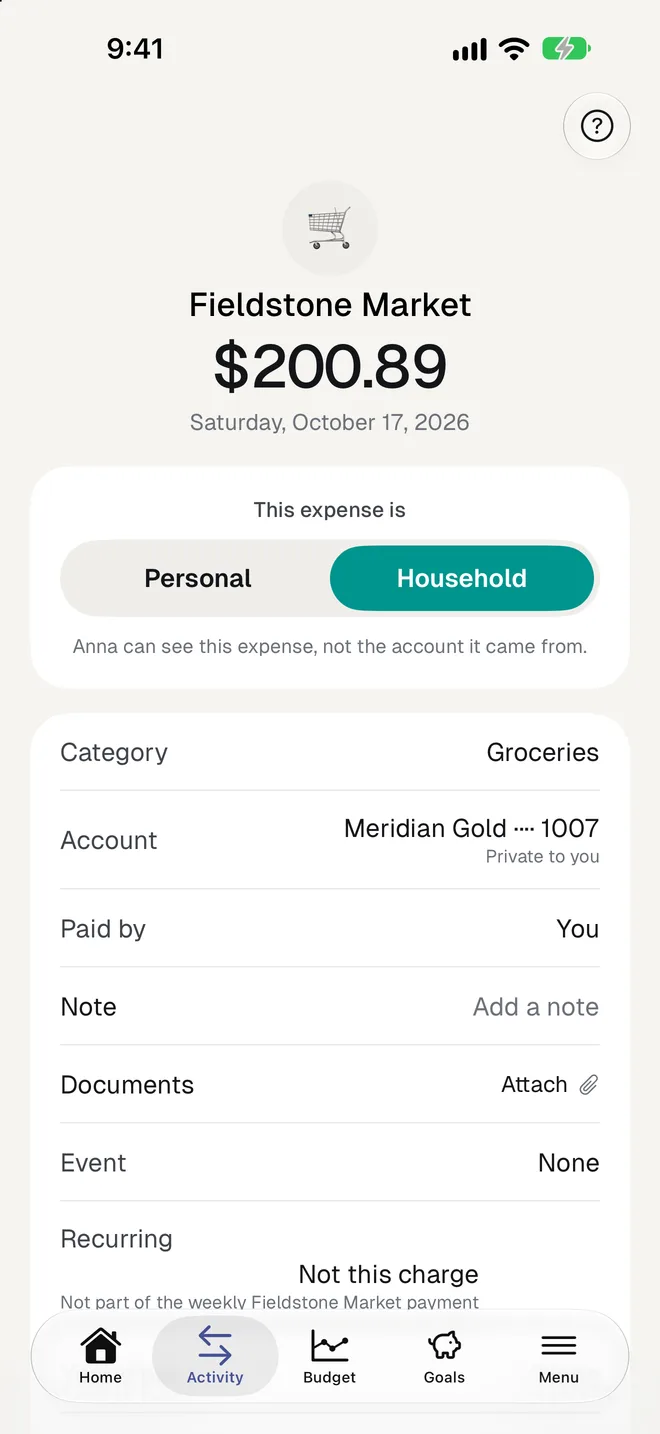
Yes. Each of you keeps a private side, and the household has a shared side with its own budget, for up to 3 people.
More of HomePocket
Give your home's money a place
Start free, see your month in minutes, and invite the people you share it with whenever you're ready.
Free for your first month. Cancel anytime.