Apple Card
A budget app that includes Apple Card, Apple Cash and Savings
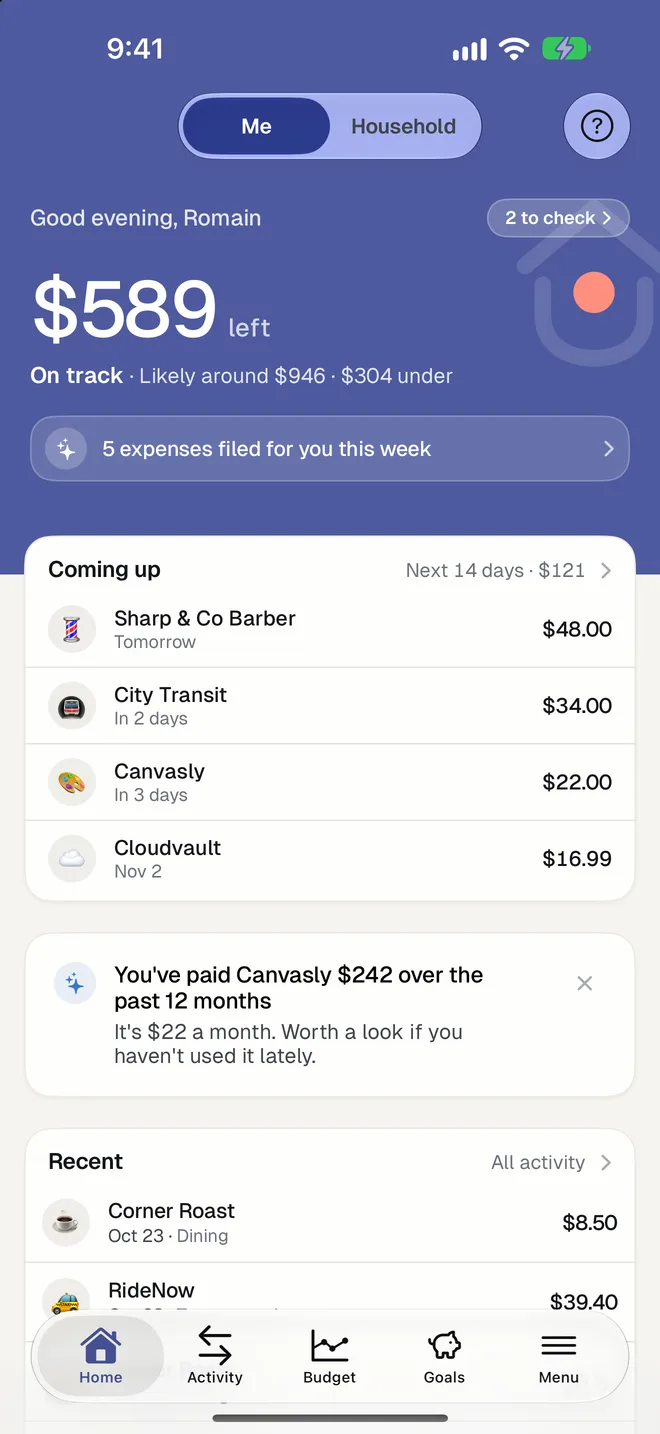
Most budget apps can't see Apple Card. HomePocket reads it from Wallet on your iPhone, with your permission, and puts it beside your other accounts.

Free for your first month. Cancel anytime.
- 1
Straight from Wallet
Apple's own FinanceKit shares your Apple Card, Apple Cash and Savings transactions with HomePocket on your iPhone. No password, no export, no spreadsheet.
- 2
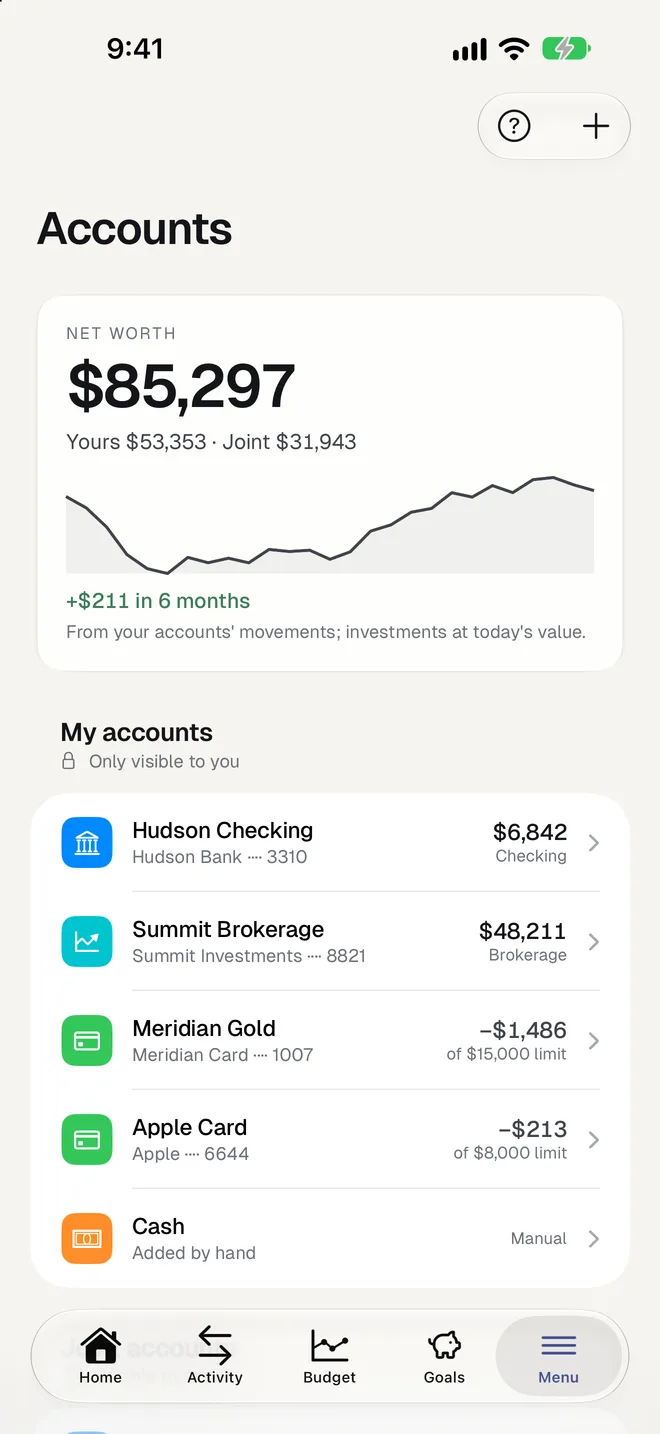
Next to everything else
Apple Card charges are filed in categories, counted in your budget and checked for recurring payments, exactly like a bank account's.
- 3
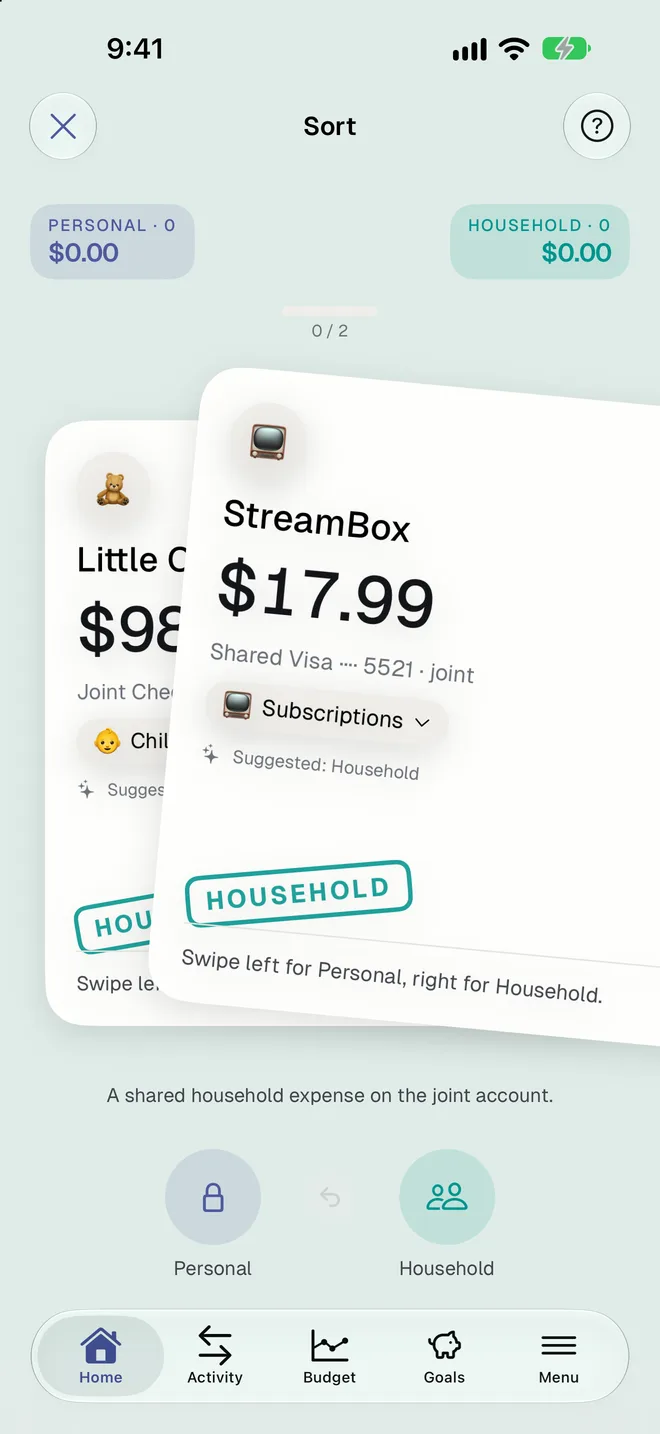
Shared cards count once
With Apple Card Family, the same card in two people's Wallets is recognized and never counted twice.
Good to know
- Requires an iPhone with Apple Card, Apple Cash or Savings in Wallet. It syncs from its owner's iPhone.
- Once imported, you see it on every device, the web and Android included.
- You choose for each account whether it's yours or shared with the household.
- Removing it deletes its accounts and history, except an account you shared with the household.
Questions
Why can't other apps see Apple Card?
Apple Card isn't available through the bank connection services most apps use. Apple offers its own way to read it on the iPhone, which HomePocket uses.
Do I still need to export a CSV every month?
No. With Wallet access allowed, new transactions come in when you open the app on your iPhone.
Is it available outside the US?
Apple Card is a US product, so this feature is for US Wallets.
More of HomePocket
- How to track your subscriptions and recurring billsRead the guide
- For couplesYours, mine and ours, without a spreadsheet.
- For roommates and familiesUp to three people, one shared budget.
- Monthly budgetThree limits and an honest forecast.
- Smart ImportA photo becomes an expense.
- Recurring paymentsSubscriptions and bills, found for you.
Give your home's money a place
Start free, see your month in minutes, and invite the people you share it with whenever you're ready.
Free for your first month. Cancel anytime.