Goals and yearly pots
Savings goals, and yearly pots for the costs that don't come every month
A goal is money you build up. A pot is money you plan to spend over the year. Together they keep big things from landing on one unlucky month.

Free for your first month. Cancel anytime.
- 1
Goals that fill at month's end
When a month closes under budget, HomePocket offers to put the leftover toward your goals, in one tap. Nothing moves without your answer.
- 2
Yearly pots for lumpy costs
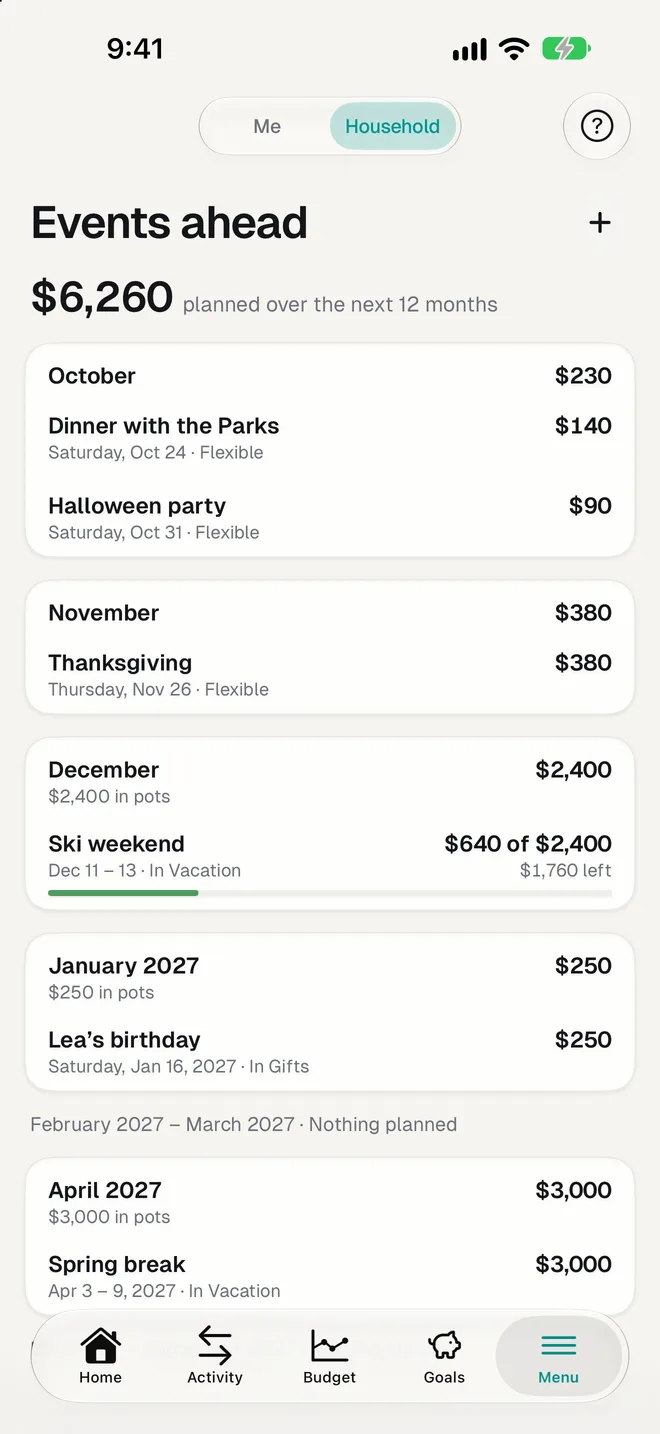
Vacations, car insurance, school fees, gifts: give them a pot for the year. Their spending counts in the pot, not in the month, so your monthly figures stay comparable.
- 3
Events with a price tag
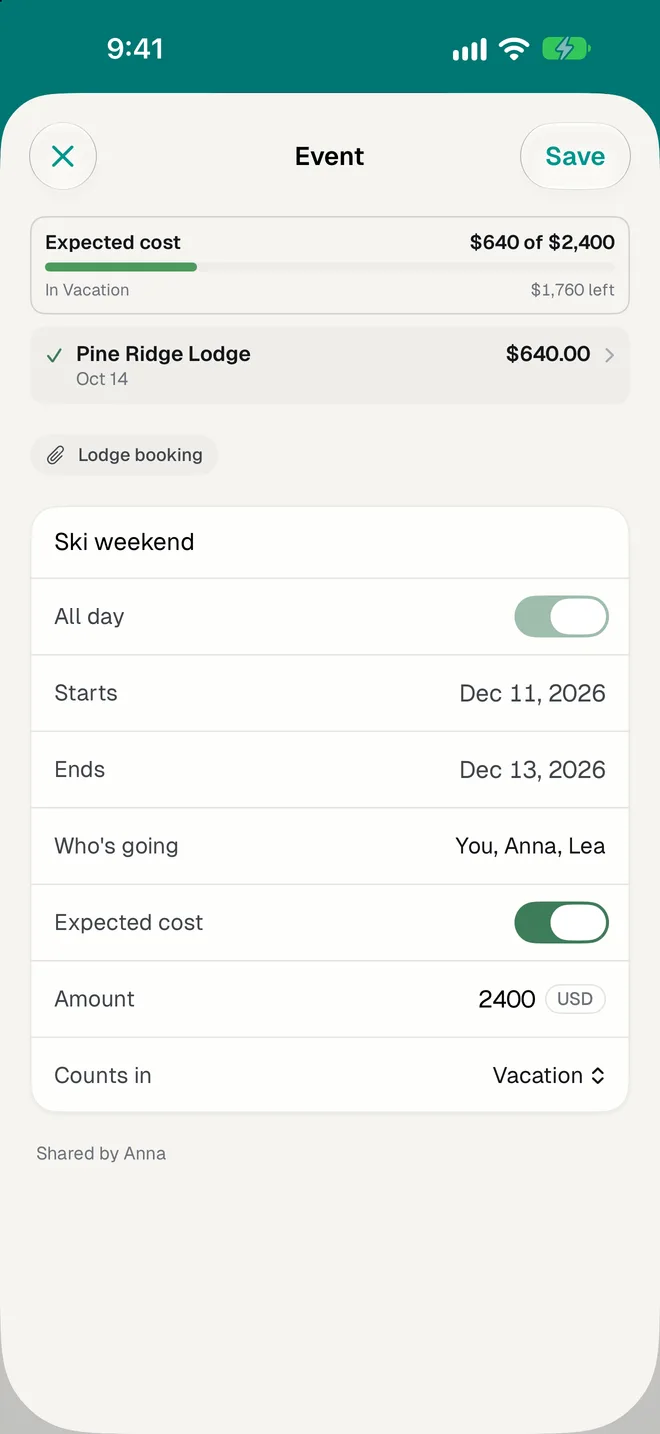
Give a trip or a birthday an expected cost, link its expenses as they come, and see what's left of the envelope.
Good to know
- The setup suggests pots from last year's big charges.
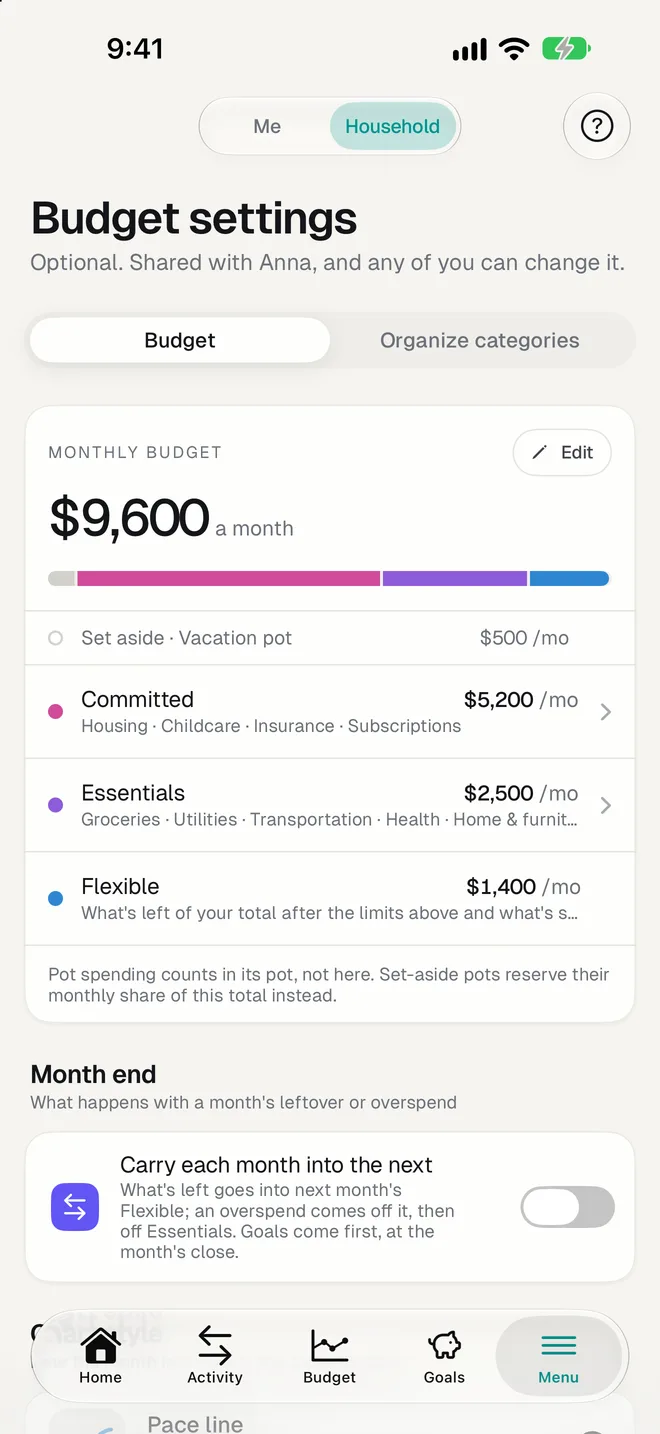
- A pot or a goal can be set aside: its monthly share is reserved before everyday spending.
- Personal goals are private; household goals are shared.
- A merchant can always go to a pot: "flights always count in Vacation".
- If a month goes over, you can choose to cover it from a goal, and the app keeps the record.
Questions
What's the difference between a goal and a pot?
A goal is a balance you build toward a target, like an emergency fund. A pot is a yearly amount you expect to spend, like holidays. In other apps, a pot is often called a sinking fund.
Does HomePocket move money between my accounts?
No. Goals and pots are plans inside the app. Your money stays in your accounts; you make any transfer with your bank.
How much should I put in a pot?
The free yearly costs calculator turns your irregular costs into one monthly amount, and shows what the pot needs to hold today.
More of HomePocket
Give your home's money a place
Start free, see your month in minutes, and invite the people you share it with whenever you're ready.
Free for your first month. Cancel anytime.